

Demo Videos
Copyright Amazon.com, Inc. or its affiliates. All Rights Reserved. SPDX-License-Identifier: MIT-0
Demo Videos
Section titled “Demo Videos”This page contains all demonstration videos for the GenAI Intelligent Document Processing (GenAIIDP) accelerator, organized by feature category.
Table of Contents
Section titled “Table of Contents”- Overview & Getting Started
- External Presentations & Demos
- Document Processing Patterns
- Web User Interface
- Command Line Interface (CLI)
- AI Agents & Analytics
- Role-Based Access Control (RBAC)
- Configuration & Management
- Evaluation & Testing
- Rule Validation
- Integration & Extensions
Overview & Getting Started
Section titled “Overview & Getting Started”Solution Overview
Section titled “Solution Overview”A scalable, serverless solution for automated document processing and information extraction using AWS services.
Duration: ~3 minutes
Related Documentation: README.md
External Presentations & Demos
Section titled “External Presentations & Demos”This section features comprehensive presentations and live demonstrations from AWS events, conferences, and technical sessions.
Healthcare Document Processing with GenAI IDP
Section titled “Healthcare Document Processing with GenAI IDP”A comprehensive technical session demonstrating how AWS’s GenAI Intelligent Document Processing (GenAIIDP) solution revolutionizes healthcare document processing. The solution combines Amazon Textract and Bedrock to automatically process complex medical documents, transforming days-long manual processes into minutes.
Key Topics Covered:
- Automated classification and data extraction for medical documents
- Criteria validation while maintaining HIPAA compliance
- Live demonstrations and architecture deep-dives
- Implementation strategies for scalable document processing pipelines
- Integration patterns with existing healthcare systems
- Best practices for ROI optimization
- Eliminating document processing bottlenecks with regulatory compliance
Duration: ~1 hour
Platform: YouTube
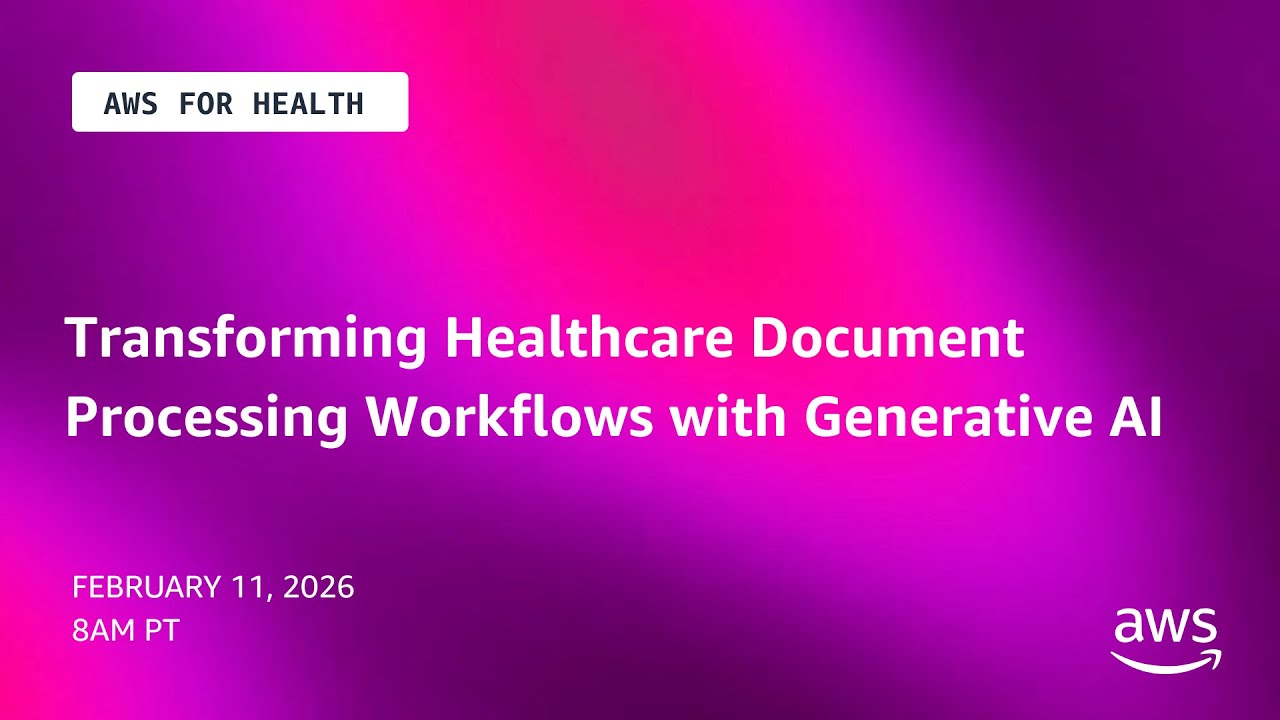
Replicate This Demo: You can now run this exact healthcare demo yourself using the pre-configured sample and config files included in the repository:
- Sample Document: healthcare-multisection-package.pdf
- Configuration: Pattern-2 Healthcare Config
These are the same files used in the video demonstration and can be deployed with the IDP CLI or web UI.
Document Processing Patterns
Section titled “Document Processing Patterns”Pattern 1: Bedrock Data Automation (BDA) Workflow
Section titled “Pattern 1: Bedrock Data Automation (BDA) Workflow”Overview of BDA-based document processing with asynchronous job management and EventBridge integration.
Duration: ~3 minutes
Related Documentation: Pattern 1 Documentation
Web User Interface
Section titled “Web User Interface”Human-in-the-Loop (HITL) Review
Section titled “Human-in-the-Loop (HITL) Review”Built-in review portal for validating and correcting extracted information with role-based access control.
Duration: ~3 minutes
Related Documentation: Human Review Documentation
Chat with Document Feature
Section titled “Chat with Document Feature”Interactive document Q&A using Nova Pro model to answer questions about specific documents.
Duration: ~2 minutes
Related Documentation: Web UI Documentation - Chat with Document
Command Line Interface (CLI)
Section titled “Command Line Interface (CLI)”IDP CLI Overview
Section titled “IDP CLI Overview”Batch document processing with live progress monitoring, comprehensive status tracking, and evaluation framework.
Duration: ~4 minutes
Related Documentation: IDP CLI Documentation
Rerun Inference Feature
Section titled “Rerun Inference Feature”Leverage existing OCR data to rapidly iterate on classification and extraction configurations without reprocessing.
Duration: ~3 minutes
Related Documentation: IDP CLI - Rerun Inference
AI Agents & Analytics
Section titled “AI Agents & Analytics”Agent Companion Chat
Section titled “Agent Companion Chat”Multi-turn conversational AI assistant with specialized agents for analytics, troubleshooting, and code assistance.
Duration: ~5 minutes
Related Documentation: Agent Companion Chat Documentation
Agent Analysis Feature (Original)
Section titled “Agent Analysis Feature (Original)”Natural language querying with automated SQL generation and interactive visualizations.
Duration: ~4 minutes
Related Documentation: Agent Analysis Documentation
Error Analyzer (Troubleshooting Tool)
Section titled “Error Analyzer (Troubleshooting Tool)”AI-powered troubleshooting using Amazon Bedrock to diagnose document processing failures automatically.
Duration: ~3 minutes
Related Documentation: Error Analyzer Documentation
Role-Based Access Control (RBAC)
Section titled “Role-Based Access Control (RBAC)”RBAC Demo
Section titled “RBAC Demo”Role-based access control for managing user permissions and access to document processing features, configurations, and review workflows.
Related Documentation: RBAC Documentation
Configuration & Management
Section titled “Configuration & Management”Discovery Module
Section titled “Discovery Module”Intelligent document analysis that automatically identifies structures and creates processing blueprints, including pattern-neutral discovery and pattern-specific implementations.
Multi-Document Collection Discovery
Section titled “Multi-Document Collection Discovery”Duration: ~4 minutes
Single Document Discovery
Section titled “Single Document Discovery”Duration: ~4 minutes
Related Documentation: Discovery Module Documentation
BDA IDP Sync Feature
Section titled “BDA IDP Sync Feature”Bidirectional synchronization between BDA blueprints and IDP document classes with parallel processing.
Duration: ~4 minutes
Related Documentation: Discovery - BdaIDP Sync
Configuration Versions
Section titled “Configuration Versions”Manage multiple configuration snapshots for A/B testing, environment separation, and safe rollback.
Duration: ~3 minutes
Related Documentation: Configuration Versions Documentation
JSON Schema Migration
Section titled “JSON Schema Migration”Migration from legacy custom format to industry-standard JSON Schema with automatic backward compatibility.
Duration: ~3 minutes
Related Documentation: JSON Schema Migration Guide
Evaluation & Testing
Section titled “Evaluation & Testing”Evaluation Framework
Section titled “Evaluation Framework”Stickler-based evaluation with field-level comparison, multiple evaluation methods, and comprehensive metrics.
Duration: ~4 minutes
Related Documentation: Evaluation Framework Documentation
Document Split Classification Metrics
Section titled “Document Split Classification Metrics”Evaluation of page-level classification accuracy, document grouping, and page order preservation.
Duration: ~3 minutes
Related Documentation: Evaluation - Document Split Metrics
Test Studio
Section titled “Test Studio”Comprehensive interface for managing test sets, running benchmark tests, and analyzing results.
Duration: ~4 minutes
Related Documentation: Test Studio Documentation
Test Studio - RealKIE-FCC-Verified Dataset
Section titled “Test Studio - RealKIE-FCC-Verified Dataset”Using the pre-deployed RealKIE-FCC-Verified benchmark dataset with 75 invoice documents.
Duration: ~3 minutes
Related Documentation: Test Studio - Pre-Deployed Test Sets
Rule Validation
Section titled “Rule Validation”Rule Validation Demo
Section titled “Rule Validation Demo”Automatically validate documents against business rules and compliance requirements using AI. Includes rule extraction from policy documents, configurable rule schemas, and detailed Pass/Fail reporting with supporting evidence.
Related Documentation: Rule Validation Documentation
Integration & Extensions
Section titled “Integration & Extensions”MCP Integration
Section titled “MCP Integration”Model Context Protocol integration enabling external applications like Amazon Quick Suite to access IDP data.
Demo with Quick Suite
Section titled “Demo with Quick Suite”Duration: ~3 minutes
Demo with Cline
Section titled “Demo with Cline”Duration: ~5 minutes
Related Documentation: MCP Server Documentation
Custom MCP Agent Integration
Section titled “Custom MCP Agent Integration”Extend IDP with custom tools by connecting to your own MCP servers with OAuth authentication.
Duration: ~4 minutes
Related Documentation: Custom MCP Agent Documentation
Document Knowledge Base Query
Section titled “Document Knowledge Base Query”Natural language querying of processed document collections with AI-powered responses and citations.
Duration: ~3 minutes
Related Documentation: Knowledge Base Documentation
Additional Resources
Section titled “Additional Resources”For more information about the GenAI IDP Accelerator:
- Main Documentation: README.md
- Architecture Guide: Architecture Documentation
- Deployment Guide: Deployment Documentation
- Configuration Guide: Configuration Documentation
Feedback
Section titled “Feedback”If you have questions about any of these features or suggestions for new demo videos, please:
- Open an issue on GitHub
- Contact AWS Professional Services for concierge support